 Highball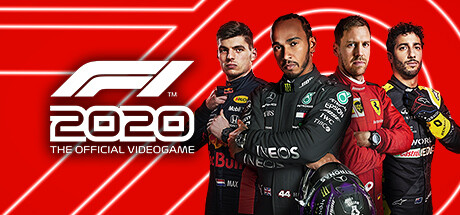
Which renderer to use
Highball can run each game through three different Direct3D translation layers. This is what the database knows for this title — empty rows are open questions, not failures.
| Renderer | Verdict | Evidence |
|---|---|---|
| DXVKDirect3D 9-11 over Vulkan | Untested | no report yet — send one |
| DXMTDirect3D 11 over Metal | Untested | no report yet — send one |
| D3DMetalApple's Game Porting Toolkit | Reported | 1 report |
No dated Highball run yet. When one lands it records the renderer, the engine build and the macOS version it was seen on — which is what stops a verdict quietly rotting. Send one.
Notes
Reported perfect on the default engine with Apple's DirectX 12 support on an M4 after a 130-minute session, with AVX advertised and a 60 fps cap. Whether AVX or that mode is needed was not tried. Nothing was measured here.
Provenance
Reported by robin13042009 (highball-db#681, 2026-10-25), Apple M4, macOS 27.0.1, Highball 0.10.22, engine x64-sikarugir10.0_6-r28, D3DMetal environment, msync, Windows 11, AVX advertised, frame cap 60, rated 5 of 5 after a 130-minute session. Not verified by the maintainer.
Before installing anything, it is worth checking whether the game already ships a native Mac build.
Common questions
Does F1 2020 work on Mac?
F1 2020 has no native Mac build, but it is reported to run on Apple Silicon through Highball, a free open-source compatibility layer. This comes from community reports rather than a Highball test run, so treat it as a reasonable expectation rather than a guarantee.
Contribute a result
This page is generated from an open database. If you have run F1 2020 on Apple Silicon, working or not, a report takes a minute and fills in the empty rows above. Send a report, or read how the data is put together.